Appointments & resources
Bring the practitioner, room, equipment and patient into the same plan. Give the team a shared view of the visit and the work it needs.
 Clinaraall care, connected.
Clinic software
Workbench supports the clinician with the patient. Workspace coordinates the clinic. Cloud provides the application services and data continuity behind a connected deployment.
Discuss your clinicClinara Workbench
A mobile and desktop examination tool for patient context, diagnostic workflows, results and clinical notes.
Work independently from your phone, then open the same phone-hosted workspace on a computer for detailed review. The desktop helper makes the connection straightforward; a computer worker adds processing power while the phone remains in charge of the session and records.
Workbench brings supported devices, image analysis, observations and documentation into the examination. It gives each result a place in the patient’s care, from the first capture to review and follow-up.
Explore Clinara Workbench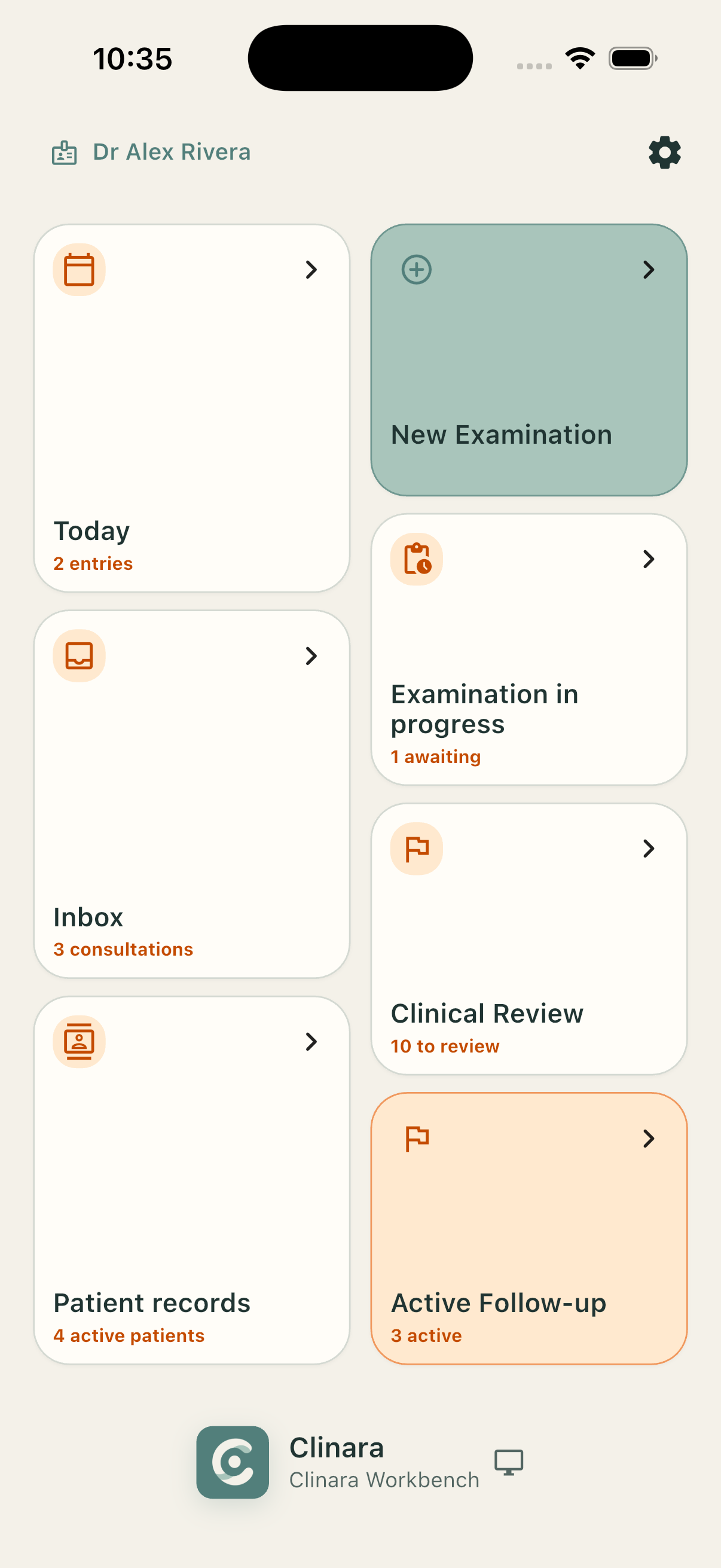
Clinara Workspace
Clinic-wide coordination for patients, appointments, staff and shared resources, with a clear place for review and follow-up.
Bring the practitioner, room, equipment and patient into the same plan. Give the team a shared view of the visit and the work it needs.
Organise history, documents, examination results and notes around the patient, so each consultation can build on the information already collected.
Connect assignments and worklists across the clinic. Access follows the person’s authorised relationship to the work, with administrative responsibility kept separate from permission to read clinical records.
Keep acquisition, analysis, clinician review and onward care distinct. Make the next action visible so a captured result does not become an unfinished visit.
Clinara Cloud
The application platform for connected Workbench and Workspace services: hosting, synchronisation, access orchestration and continuity.
Choose where the services run and who operates the infrastructure. Cloud uses Clinara Data Store for protected storage and Clinara ID for trusted identity. Its application role is separate from the underlying storage and key-authority boundaries.
Clinara operates the hosting infrastructure for your organisation. Discuss data location, service support, capacity and recovery as part of the managed arrangement.
A dedicated installation for one organisation. Choose the hosting arrangement and define responsibility for networking, maintenance, monitoring and recovery.
Run application services and protected data storage at your own premises on supported infrastructure, shaped around your local network and operating requirements.